
-5%
USB TYPE C ADAPTER 8PORTS
KSh1,300.00
KISONLI S-999 2.0 CHANNEL SPEAKER
Original price was: KSh1,048.95.KSh800.00Current price is: KSh800.00.
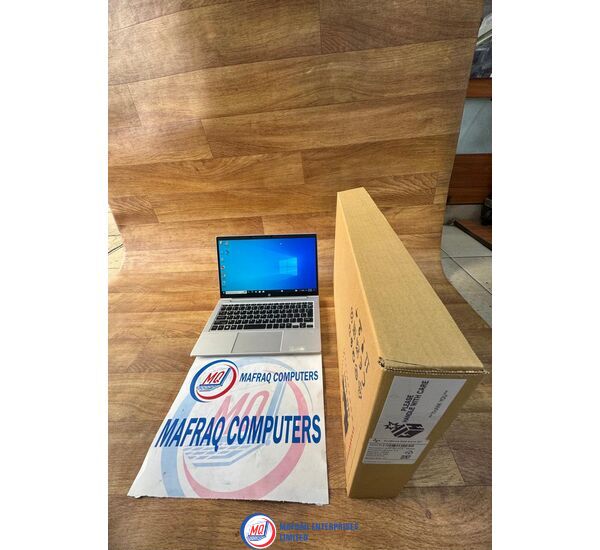
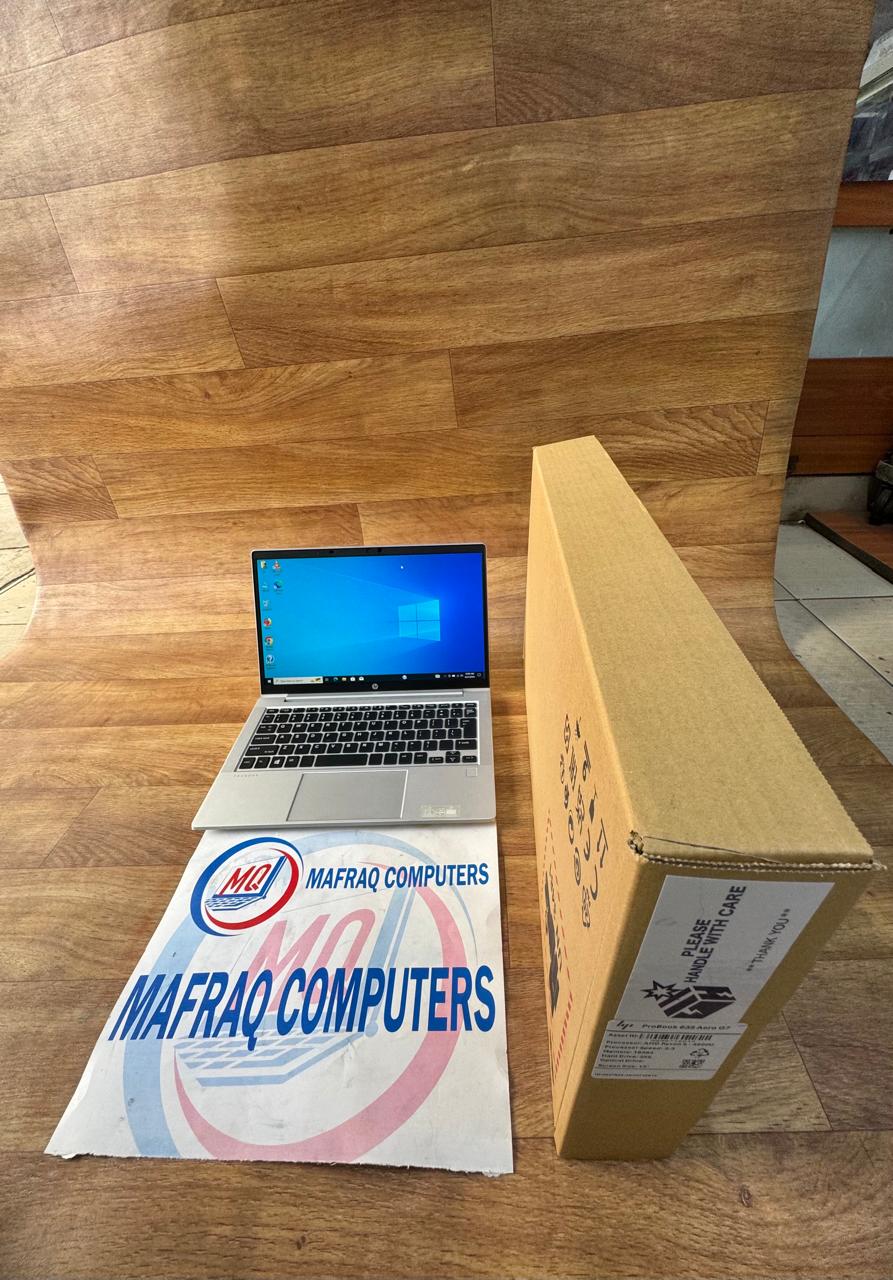
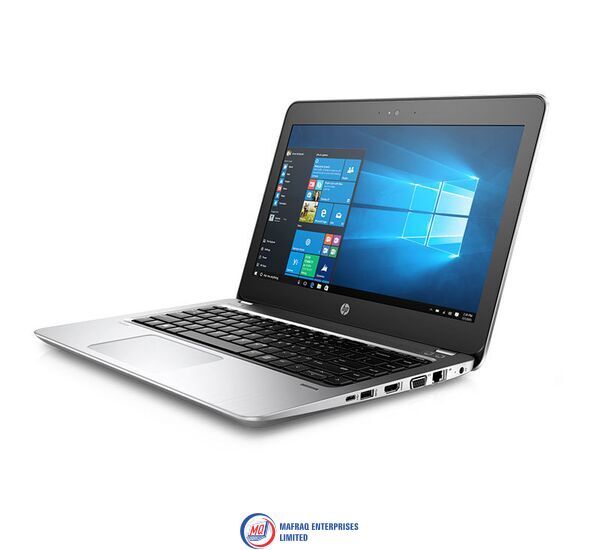
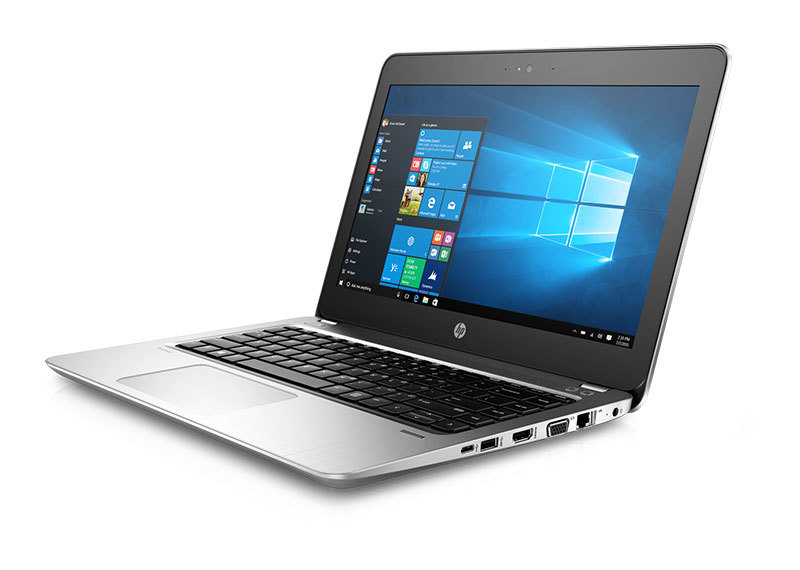
HP PROBOOK 635 AERO G7 AMD RYZEN 5 16GB 256SSD 13″
Original price was: KSh47,250.00.KSh45,000.00Current price is: KSh45,000.00.
Description
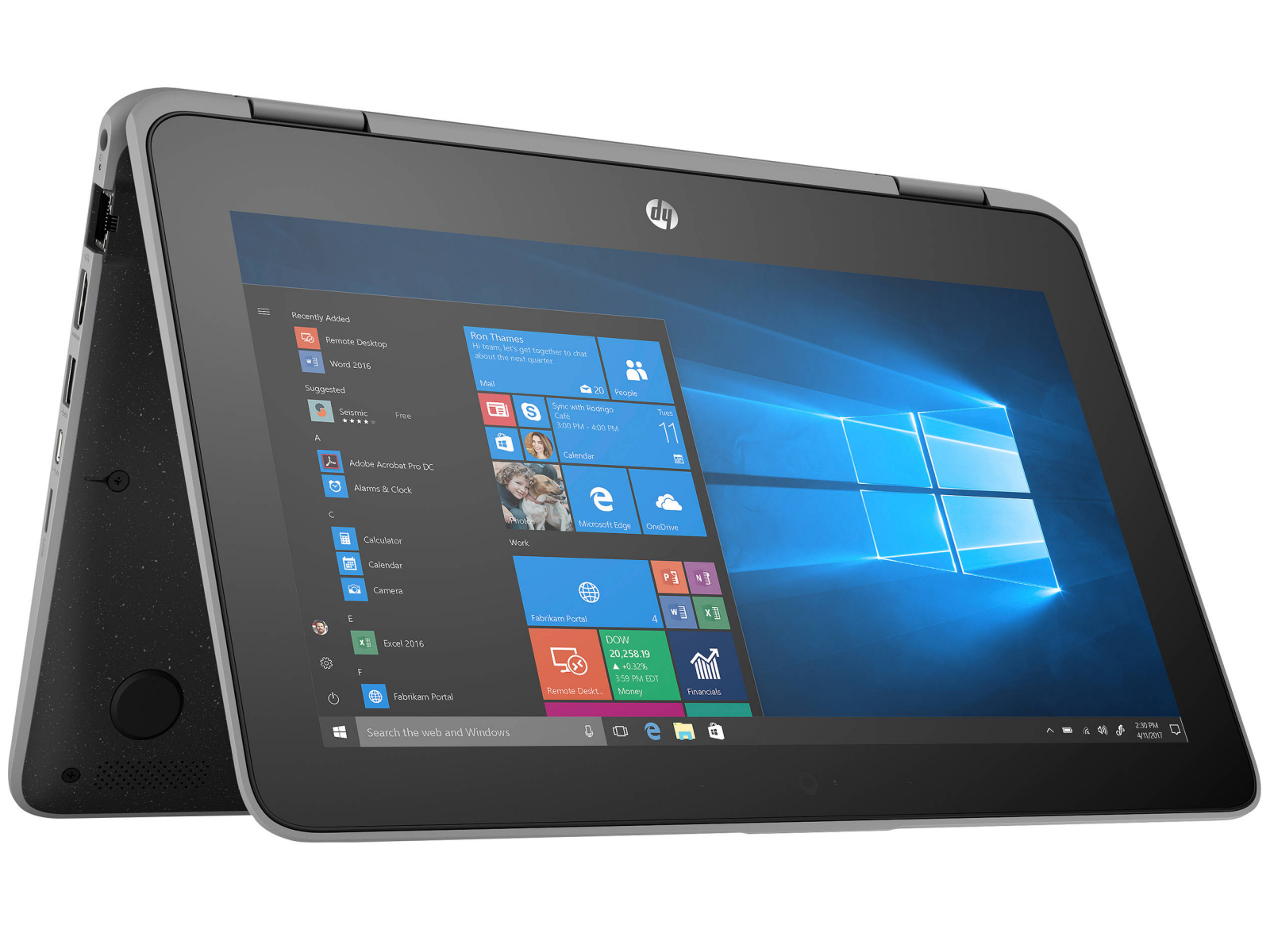
HP PROBOOK 635 AERO G7 AMD RYZEN 5 16GB 256SSD 13″
Description
HP ProBook 635 G7 is a haven for programming tasks with a spacious, full length, ergonomically designed keyboard layout allows you to key in with ease in addition to its stylish ,sleek lightweight design for unmatched productivity wherever lifes journey takes you.
This pc boasts a powerful AMD Ryzen 5 Pro 4 (2.1 GHz base clock, up to 4.0 GHz with Max Boost Clock,6 cores and 8 MB L3 cache processor unit for efficient computing.
Navigate smoothly within your window without mishaps as HP ProBook 635 G7 comes equipped with 16 GB DDR4 2133 MHz SDRAM for fast processing without glitches allowing simultaneous app and files functionality. Furthermore 256 GB NvMe™ m.2 SSD storage unit provides ample space for files and work saves on your pc.
Eliminate possibilities of overheating or battery swelling as this pc comes equipped with a modern 3 cell Lion battery which enables you to work on your pc all day long on a full charge interval.
Specifications
- Processor : AMD Ryzen 5 Pro (2.1 GHz base clock, up to 4.0 GHz with Max Boost Clock,6 cores and 8 MB L3 cache)
- Memory : 16 GB DDR4-3200 MHz RAM
- Storage : 256 GB PCIe NV Me 2 SSD
- Display : 33.8 cm (13.3 in) diagonal FHD UWVA eDP anti-glare WLED-backlit bent, 250 nits, 45% NTSC for HD and IR camera (1920 x 1080)
- Graphics : AMD Radeon Graphics
- Audio : Dual Integrated stereo speakers
- Ports : 1x USB 3.1 Gen 2 Type-C port ,x2x USB 3.1 Gen 1 Type-A ports ,1x HDMI 2.0
- (Supports resolutions up to 4K at 60 Hz),1x Headphone/microphone combo jack,1x AC power port
- Connectivity: Realtek RTL8822CE 802.11ac (2×2) and Bluetooth 5 Combo WLAN, Realtek RTL8822CE 802.11ac (2×2) and Bluetooth 5 Combo WWAN
- Camera : HP True vision 720p HD privacy camera
- Operating system :Windows 11
- Battery : HP Long Life 3-cell, 42 Wh Li-ion
- Keyboard: Spill-resistant with numeric keypad, Backlight (optional)
- Security : Trusted Platform Module (Firmware TPM) support
- Dimensions :30.76 x 20.4
Reviews (0)
Shipping and Delivery


Related products




-5%
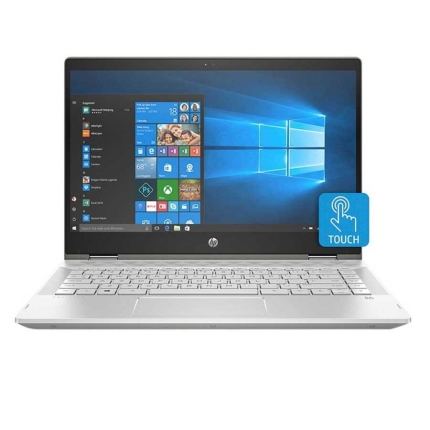
Hp pavilion x360 laptop – 14” inch screen high defination (hd) – 1.6ghz Processor – intel core i5 – 8gb ram – 1tb hard disk
Hp pavilion x360 laptop, 14'' inch screen high defination (hd), 1.6ghz Processor, intel core i5, 8gb ram, 1tb hard disk
Processor
Intel Core i5-8250U ( 1.6 GHz)
14'' inches1920 x 1080 pixels (QHD) FHD IPS WLED-backlit multi touch Touchscreen
Storage
1TB hard disk
System Memory
8GB DDR4 2133MHz SDRAM
Audio
Dual stereo speakers with Bang & Olufsen
Inputs & Controls
Touchpad with multi-touch supportBacklit keyboard
Input/Output Ports
2 x USB 3.01 x USB 2.01 x HDMI output1 x audio-in / audio-out combo
Slots
Card reader
Connectivity
Dual-band 802.11a/b/g/n/ac WiFiBluetooth
Camera
HD webcam with two microphones
Power
3-cell battery Battery Life
Keyboard and Touchpad
Typing on the Pavilion x360's keyboard is immenselysatisfying. The keys aren't snappy, but they feel smooth and require a decentamount of force and travel before they hit the bottom.
I sped through 74 words per minute on the 10FastFingers.comtyping test, which is faster than my current 70-wpm average. The keys traveledat 1.4 millimeters, which is on the cusp of our preferred 1.5 to 2.0 mm range,and they required a solid 70 grams of force to actuate.
Typing on the Pavilion x360's keyboard is immenselysatisfying.
The Pavilion x360's touchscreen panel was responsive as Idrew a crude painting of a sunset (a.k.a. five blue lines on top, five greenlines on the bottom, and an orange circle at the center - perfection).
The 4.3 x 2.1-inch touchpad has a semi-matte texture that'snot as comfortable as the ones installed on the EliteBook line, but it worksfine. The pad has Windows Precision drivers, so it handled Windows 10 gestures,such as three-finger tabbing and two-finger scrolling, nicely.
Audio
The Pavilion x360's top-firing Bang & Olufsen speakersare surprisingly great. While the speakers could have been slightly louder,they were able to carry Missio's "I See You" throughout a smalloffice. The opening vocals, combined with the keyboard notes, roped me into themoment. And when the drum beats dropped, I could feel the weight of the bass.
The audio benefits from the Bang & Olufsen audio app,which includes presets for Music, Movie and Voice. Within those settings aredials for bass, treble and dialog clarity, as well as a full equalizer.
Performance
Armed with an Intel Core i5-8265U processor and 8GB of RAM,the Pavilion x360 juggled 30 Google Chrome tabs and four 1080p YouTube videossimultaneously without a sweat.
The Pavilion x360 transcoded a 4K video to 1080p in 21minutes and 59 seconds on our HandBrake benchmark, which may seem long, butit's a lot quicker than the category average (31:19).
Graphics
Packed with an Intel UHD 620 GPU, the Pavilion x360 scored71,938 on the 3DMark Ice Storm Unlimited graphics benchmark, which surpassedthe mainstream laptop average (61,258) as well as the performance from the Spin3's Intel UHD 620 (61,440) and the MateBook D's Radeon Vega 8 (63,302).
Webcam
While the Pavilion x360's 720p shooter isn't as grainy asmost webcams, it still struggled to reveal the detail in my hair and beard. Thecamera caught the red, white and blue in my shirt, but not the pink, green oryellow. Not to mention that it succumbed to the flair of the ceiling lights, sohalf of the ceiling was washed out.
Heat
The Pavilion x360 performed well under pressure. After itstreamed a 15-minute, 1080p video, the hottest underside got was 91 degreesFahrenheit, which is well within our 95-degree comfort zone. The center of thekeyboard and touchpad came in at 85 and 80 degrees, respectively.
Software and Warranty
There are several HP-branded utilities in the Pavilion x360,including HP JumpStart (a tutorial for Windows 10), HP Support Assistant(updates HP device drivers), HP Smart (tracks printing status), and HP PC HardwareDiagnostics (provides system information and tests). There's also HP CoolSense,which can automatically adjust performance and fan settings to offset heat.
There's also a ton of Windows 10 bloatware, including CandyCrush Saga, Gardenscapes and Asphalt Street Storm Racing.
Bottom Line
The HP Pavilion x360 is a solid mainstream laptop in that itoffers commendable performance, a satisfying keyboard, and some bangin'speakers.

Reviews
There are no reviews yet.