

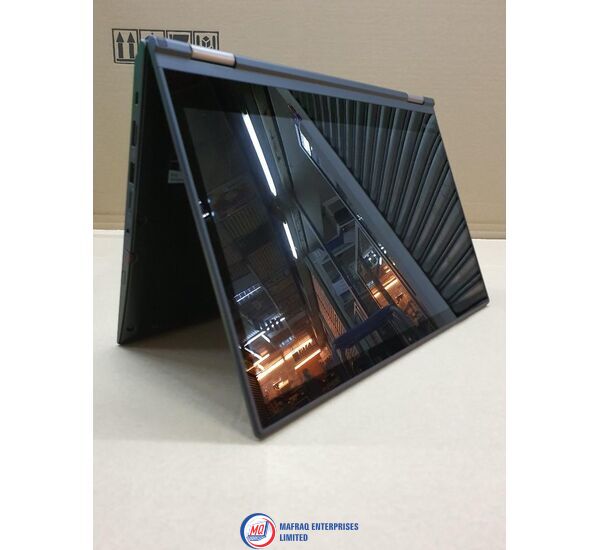
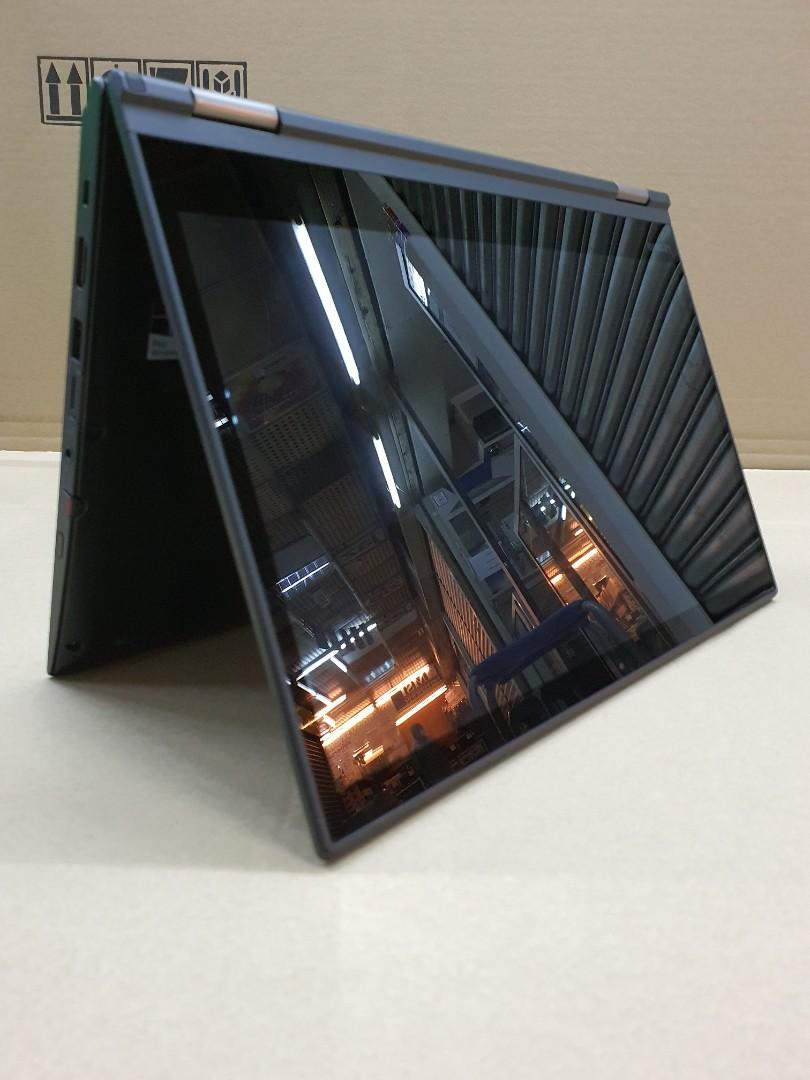
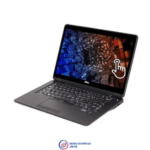
Lenovo ThinkPad YOGA 370 x360 Core i7-7th Gen 8GB 256SSD 13.3″ SP
Original price was: KSh39,898.95.KSh37,999.00Current price is: KSh37,999.00.
Lenovo ThinkPad YOGA 370 x360 Core i7-7th Gen 8GB 256SSD 13.3″ SP
About this Item
-
Operating system: Windows 10 Pro 64-Bit Edition
-
Memory: 8GB DDR4-2133MHz SDRAM
-
Storage: 256GB PCIe® NVMe™ M.2 Solid State Drive (SSD)
-
Optical drive: None
-
Graphics Processor: Intel® HD Graphics 620
-
Processor: Intel® Core™ i7-7500U (2.7 GHz base frequency, up to 3.5 GHz with Intel Turbo Boost Technology, 4 MB cache, Dual-Core, 4 threads)
-
Processor Family: 7th Generation Intel® Core™ i7 processor
-
Display: 13.3 inches (33.7 cm) diagonal, FHD (1920 x 1080), glossy, LED backlight, IPS 300 nits, 16:9 aspect ratio, 700:1 contrast ratio, 170° viewing angle Capacitive-type Multi-touch, AR (anti-reflection), AS (anti-smudge), supports 10-finger gesture Combining power, performance, and portability, the stylish yet durable Lenovo ThinkPad Yoga 370 x360 Convertible Intel Core i7 7th Gen 16GB RAM 256GB SSD 13.3 Inches FHD Multi-Touch Display + ThinkPad Stylus Pen gives you the freedom to work/play anywhere. Enjoy using it in different ways—from laptop to tablet and anything in between. Save time by writing, highlighting, or drawing directly on the screen. Take delight in seeing your visuals, presentations, and movies come to life on the vibrant 13.3″ display. And then relax knowing the Yoga 370 has an all-day battery life.
Features
Impress the Team
Whether you’re working on a presentation or editing a video, you’ll see everything in crystal clear, super sharp FHD. And when that inevitable impromptu meeting happens at your desk, IPS technology lets everyone see your screen, even those far off to the side.
Express Yourself
Yoga 370 is available in two stylish colors. Choose either the tried-and-true ThinkPad classic black or the eye-catching silver that will turn a head or two.
Possibilities Are Now Limitless
With its lightweight design, you can take the ThinkPad Yoga 370 wherever your travels take you. And with its 360-degree hinge, this 2-in-1 flips easily from laptop to tablet and can adapt to anything.
Get Closer to the Action
With the Yoga 370’s touchscreen, you can really get into your work—and play. With more and more applications becoming touchscreen-friendly, the Yoga 370 allows you to be more interactive. Peace of Mind, Worldwide
Wherever you’re traveling for business or pleasure, rest assured that your machine is under warranty in over 160 countries. So you’re in good hands, wherever you go.
Work Faster, Work Smarter
With its dual-band AC WiFi, Yoga 370 can connect you faster with your peers and help you get more done, more speedily. When you’re outside of WiFi, turn on the optional LTE-A and carry on as you were.
Ready for Today, and Tomorrow
Thanks to the Thunderbolt™ 3 port, you can transfer data in a blink of an eye. While OneLink+ gives you super-fast and convenient docking.
Technical Specifications
Operating system: Windows 10 Pro 64-Bit Edition
Memory: 8GB DDR4-2133MHz SDRAM
Storage: 256GB PCIe® NVMe™ M.2 Solid State Drive (SSD)
Optical drive: None
Graphics Processor: Intel® HD Graphics 620
Processor: Intel® Core™ i7-7500U (2.7 GHz base frequency, up to 3.5 GHz with Intel Turbo Boost Technology, 4 MB cache, Dual-Core, 4 threads)
Processor Family: 7th Generation Intel® Core™ i7 processor
Display: 13.3 inches (33.7 cm) diagonal, FHD (1920 x 1080), glossy, LED backlight, IPS 300 nits, 16:9 aspect ratio, 700:1 contrast ratio, 170° viewing angle Capacitive-type Multi-touch, AR (anti-refl ection), AS (anti-smudge), supports 10-fi nger gesture
Audio features: HD Audio, Conexant® CX11771 codec, Dolby® DAXII / stereo speakers, 2W x 2 / dual array microphone, combo audio/microphone jack
Integrated Webcam: 720p HD web camera with fixed focus
Keyboard: 6-row, spill-resistant, multimedia Fn keys, LED backlight
UltraNav™: TrackPoint® pointing device and 3+2 buttons Mylar surface multi-touch click pad
Hinge: Yoga hinge, 360 degree
Convert mode: Laptop, tent, stand, yoga, and tablet
Pen: ThinkPad Pen Pro, active pen for multi-touch display, onboard charging
Battery type: 4-cell Li-ion Polymer | Battery Capacity: 12.5 WHr
AC Adapter: Input: 45W or 65W AC adapter (slim tip) | 65W USB Type-C AC adapter
Ports: 2 x USB 3.1 Gen 1 (USB 3.0, one Always On) | 1 x USB 3.1 Type-C Gen 2 / Thunderbolt 3 | 1 x HDMI 1.4b | Ethernet extension connector | 1 x headphone jack
Expansion slots: 1 microSD media card reader (SD, SDHC, SDXC)
Wireless: Intel® Dual Band Wireless-AC 8265, Wi-Fi 2×2 802.11ac + Bluetooth® 4.1, M.2 Card
Security: Power-on password, hard disk password, supervisor password, security keyhole
Security chip Discrete TPM 2.0 TCG Certified
vPro (optional): Intel vPro Technology
Fingerprint reader: Optional: Touch style match on chip fingerprint reader on the palm rest
NFC (optional): Near Field Communication (mutually exclusive with smart card reader)
Product type: Lenovo Thinkpad Yoga
Product color: Black
Dimensions (W x D x H): 313.5mm x 222.2mm x 18.2mm
Weight: 1.37kg (3.03 lbs)


Related products

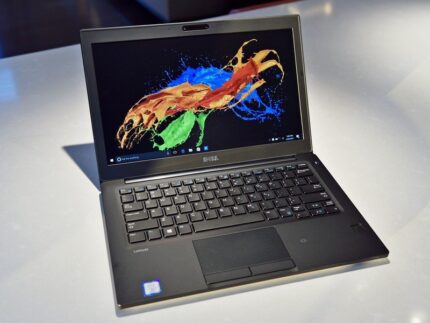


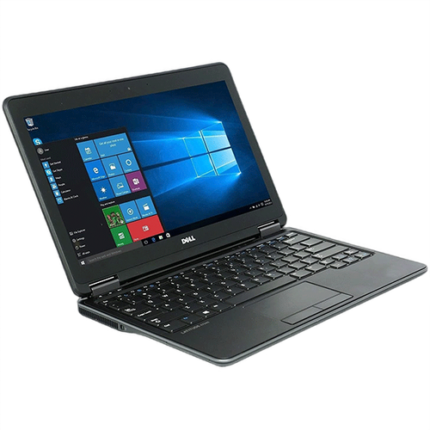


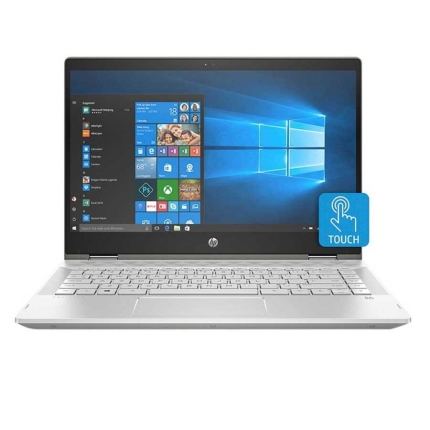
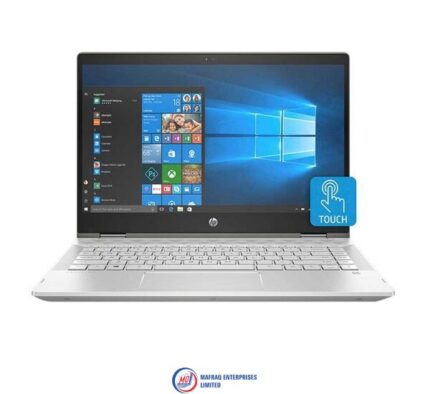
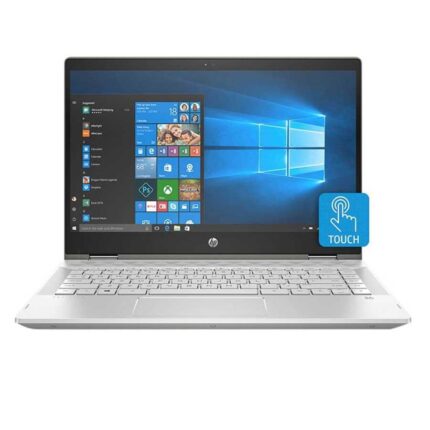
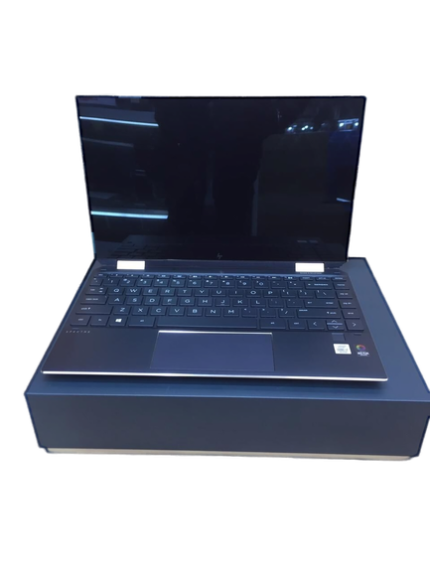
Hp pavilion x360 laptop – 14” inch screen high defination (hd) – 1.6ghz Processor – intel core i5 – 8gb ram – 1tb hard disk
Hp pavilion x360 laptop, 14'' inch screen high defination (hd), 1.6ghz Processor, intel core i5, 8gb ram, 1tb hard disk
Processor
Intel Core i5-8250U ( 1.6 GHz)
14'' inches1920 x 1080 pixels (QHD) FHD IPS WLED-backlit multi touch Touchscreen
Storage
1TB hard disk
System Memory
8GB DDR4 2133MHz SDRAM
Audio
Dual stereo speakers with Bang & Olufsen
Inputs & Controls
Touchpad with multi-touch supportBacklit keyboard
Input/Output Ports
2 x USB 3.01 x USB 2.01 x HDMI output1 x audio-in / audio-out combo
Slots
Card reader
Connectivity
Dual-band 802.11a/b/g/n/ac WiFiBluetooth
Camera
HD webcam with two microphones
Power
3-cell battery Battery Life
Keyboard and Touchpad
Typing on the Pavilion x360's keyboard is immenselysatisfying. The keys aren't snappy, but they feel smooth and require a decentamount of force and travel before they hit the bottom.
I sped through 74 words per minute on the 10FastFingers.comtyping test, which is faster than my current 70-wpm average. The keys traveledat 1.4 millimeters, which is on the cusp of our preferred 1.5 to 2.0 mm range,and they required a solid 70 grams of force to actuate.
Typing on the Pavilion x360's keyboard is immenselysatisfying.
The Pavilion x360's touchscreen panel was responsive as Idrew a crude painting of a sunset (a.k.a. five blue lines on top, five greenlines on the bottom, and an orange circle at the center - perfection).
The 4.3 x 2.1-inch touchpad has a semi-matte texture that'snot as comfortable as the ones installed on the EliteBook line, but it worksfine. The pad has Windows Precision drivers, so it handled Windows 10 gestures,such as three-finger tabbing and two-finger scrolling, nicely.
Audio
The Pavilion x360's top-firing Bang & Olufsen speakersare surprisingly great. While the speakers could have been slightly louder,they were able to carry Missio's "I See You" throughout a smalloffice. The opening vocals, combined with the keyboard notes, roped me into themoment. And when the drum beats dropped, I could feel the weight of the bass.
The audio benefits from the Bang & Olufsen audio app,which includes presets for Music, Movie and Voice. Within those settings aredials for bass, treble and dialog clarity, as well as a full equalizer.
Performance
Armed with an Intel Core i5-8265U processor and 8GB of RAM,the Pavilion x360 juggled 30 Google Chrome tabs and four 1080p YouTube videossimultaneously without a sweat.
The Pavilion x360 transcoded a 4K video to 1080p in 21minutes and 59 seconds on our HandBrake benchmark, which may seem long, butit's a lot quicker than the category average (31:19).
Graphics
Packed with an Intel UHD 620 GPU, the Pavilion x360 scored71,938 on the 3DMark Ice Storm Unlimited graphics benchmark, which surpassedthe mainstream laptop average (61,258) as well as the performance from the Spin3's Intel UHD 620 (61,440) and the MateBook D's Radeon Vega 8 (63,302).
Webcam
While the Pavilion x360's 720p shooter isn't as grainy asmost webcams, it still struggled to reveal the detail in my hair and beard. Thecamera caught the red, white and blue in my shirt, but not the pink, green oryellow. Not to mention that it succumbed to the flair of the ceiling lights, sohalf of the ceiling was washed out.
Heat
The Pavilion x360 performed well under pressure. After itstreamed a 15-minute, 1080p video, the hottest underside got was 91 degreesFahrenheit, which is well within our 95-degree comfort zone. The center of thekeyboard and touchpad came in at 85 and 80 degrees, respectively.
Software and Warranty
There are several HP-branded utilities in the Pavilion x360,including HP JumpStart (a tutorial for Windows 10), HP Support Assistant(updates HP device drivers), HP Smart (tracks printing status), and HP PC HardwareDiagnostics (provides system information and tests). There's also HP CoolSense,which can automatically adjust performance and fan settings to offset heat.
There's also a ton of Windows 10 bloatware, including CandyCrush Saga, Gardenscapes and Asphalt Street Storm Racing.
Bottom Line
The HP Pavilion x360 is a solid mainstream laptop in that itoffers commendable performance, a satisfying keyboard, and some bangin'speakers.

Reviews
There are no reviews yet.